Until recently, to pay for Zakarpattiaenergozbut services in Uzhhorod, Mukachevo, and other cities in Western Ukraine, customers had to find the nearest bank branch and wait in line at the cashier, which took a lot of time and effort. Today, such payments can be made from the comfort of your home — all you need is a payment card and a computer or smartphone with internet access.
The fastest and easiest way to pay Zakarpattiaenergozbut bills is to use the Portmone online payment service. The entire process takes only a few minutes, even if you are not a registered user. However, we recommend completing the simple registration process, which will take just a couple of minutes. After that, you will be able to create payment templates, save payment card details, receive electronic bills, and set up automatic payments.
To pay for electricity in Zakarpattia using our service, go to the Portmone.com website and follow a few simple steps:
If necessary, you can submit your meter readings yourself. To do this, enter the current and previous readings, tariff, and subsidy amount in the relevant fields. The service will then automatically calculate the amount to be paid.
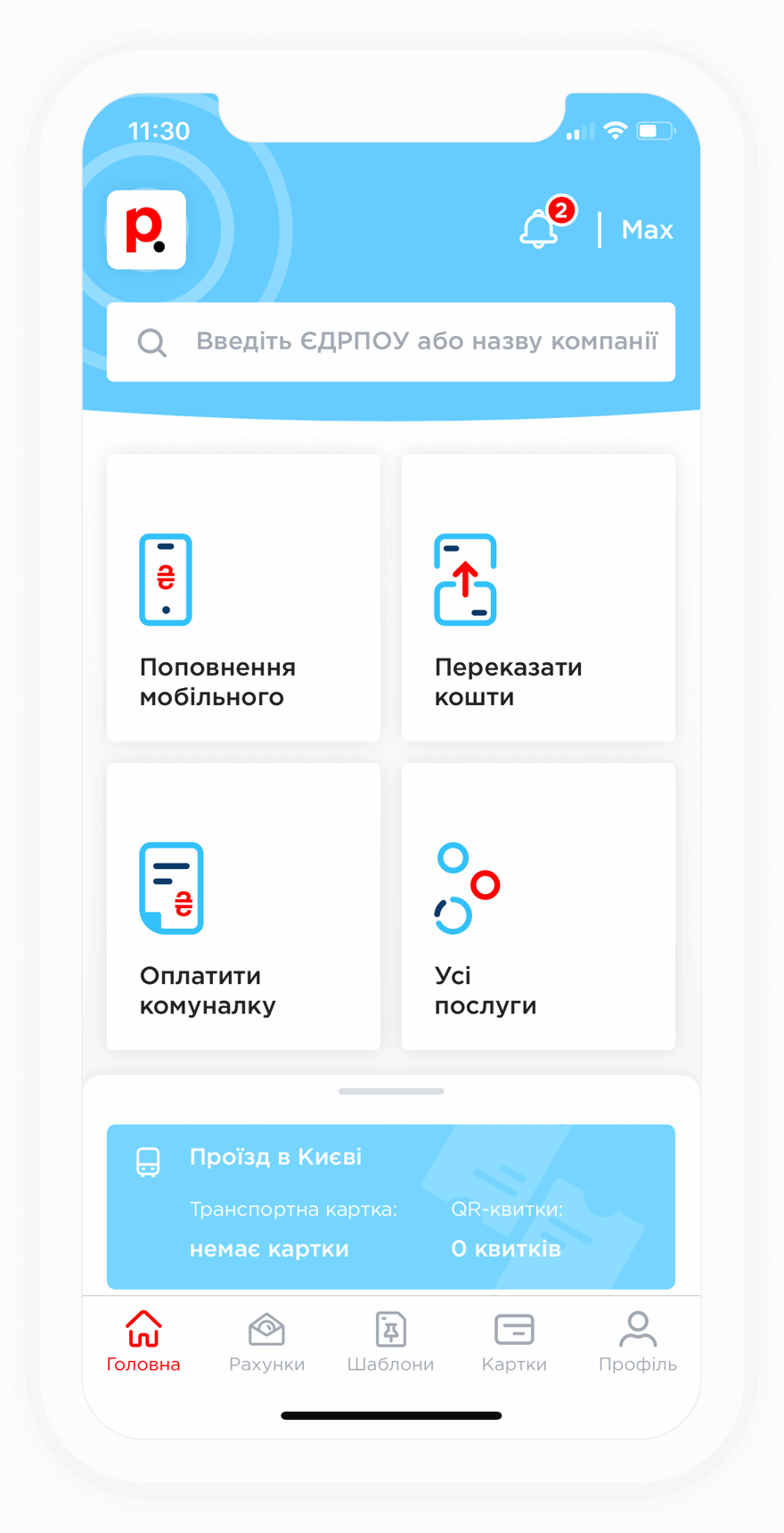
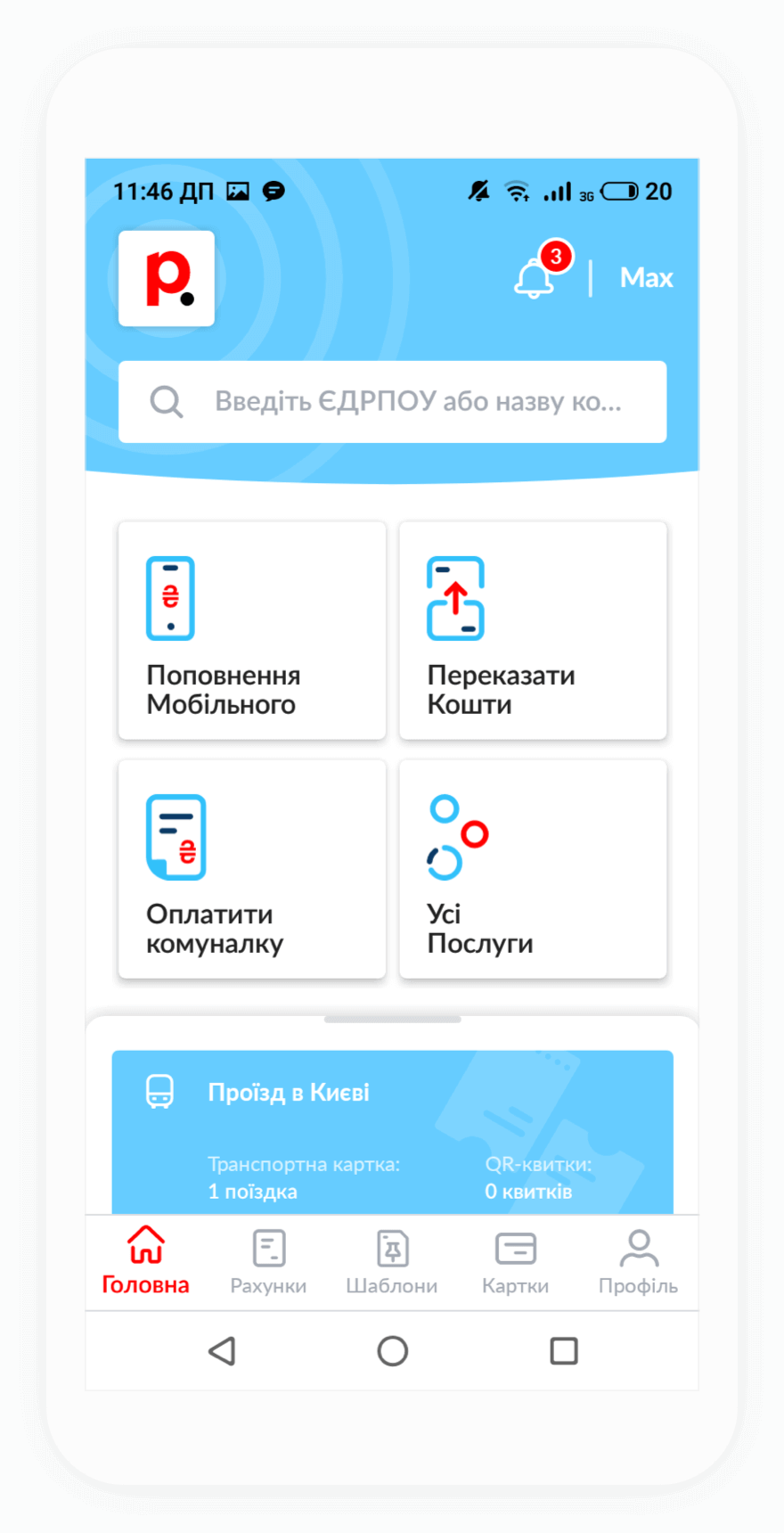
Registered users can create a payment template and link it to their address, allowing them to make future payments in just a few clicks and save time. You can pay for services both via the website and using the Portmone.com mobile app, which can be downloaded from the App Store or Google Play.
If you do not know your personal account number for electricity payments, you can find it on the bill you receive from the service provider every month. You can also find out your account number by contacting the Zakarpattiaenergozbut hotline — their contact details are available on the company’s official website.
Registered Portmone users can enter their address in their personal account, after which the system will automatically find their electronic bills. This eliminates the need to manually enter the personal account number when paying for electricity, water, and other utility services.
Portmone users can set up automatic bill payments. First, you need to create a template:
After saving the template, you can create reminders and set up automatic bill payments. To do this, click the three dots next to the required template and select the desired option — create a reminder or create an automatic payment. The system will then ask you to specify several parameters: the start and end dates of automatic payments, payment amount, and frequency. After that, simply click the “Create automatic payment” button.
Please note that the automatic payment feature is not available for utility bill payments, but you can use it to pay for internet provider services, mobile operators, and other services.
By paying Zakarpattiaenergozbut bills through Portmone, you get a number of additional benefits:
In addition to electricity payments, Portmone users can pay AVE Uzhhorod services, pay Volia Cable online, pay Police Security services, top up mobile accounts, transfer money to cards, and pay for other utility services.