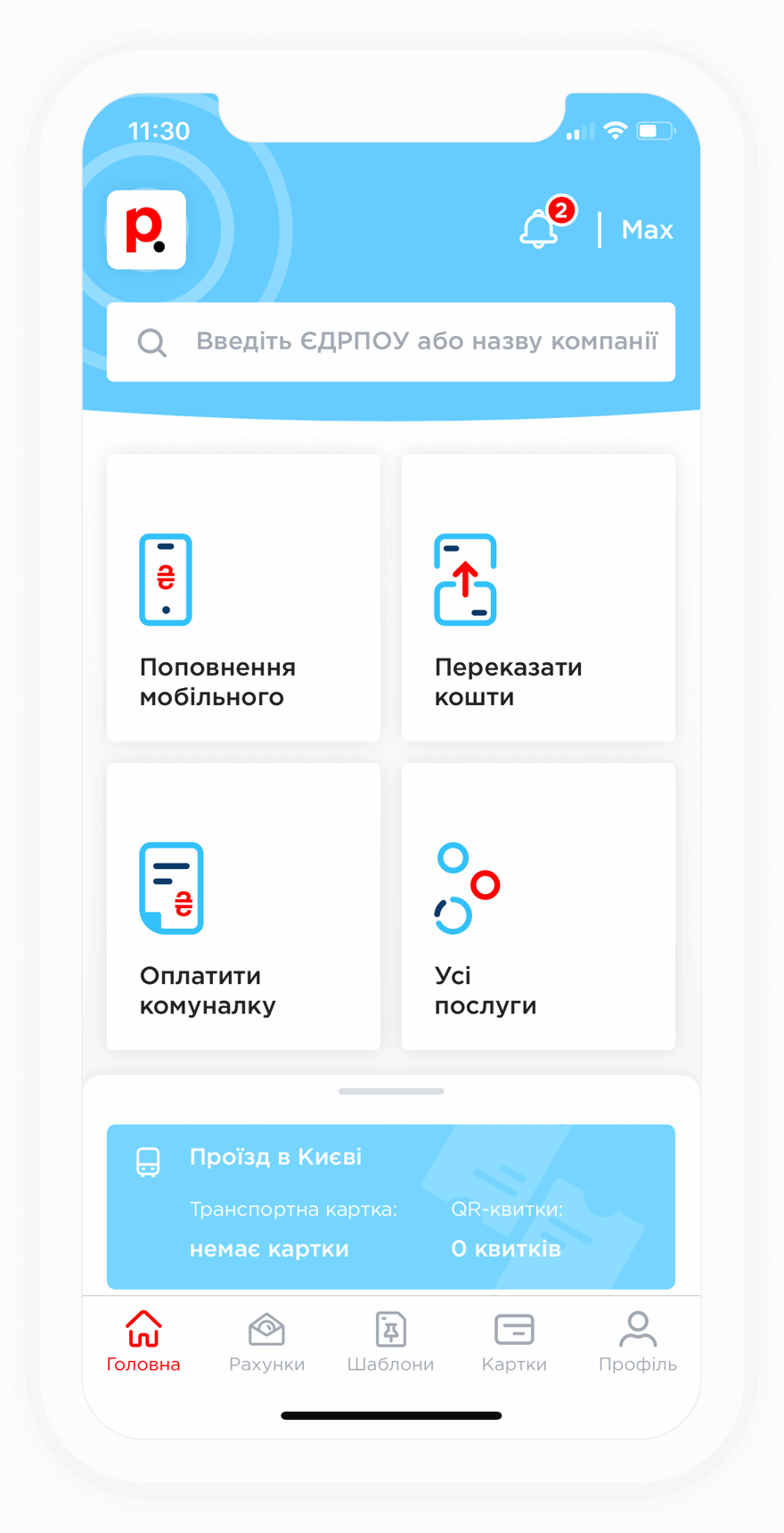
To top up your Vodafone mobile account, select the account top-up section, enter the phone number and payment amount, then choose the bank card you want to use. Once the payment is completed, the funds will be credited to your mobile account without a commission fee.
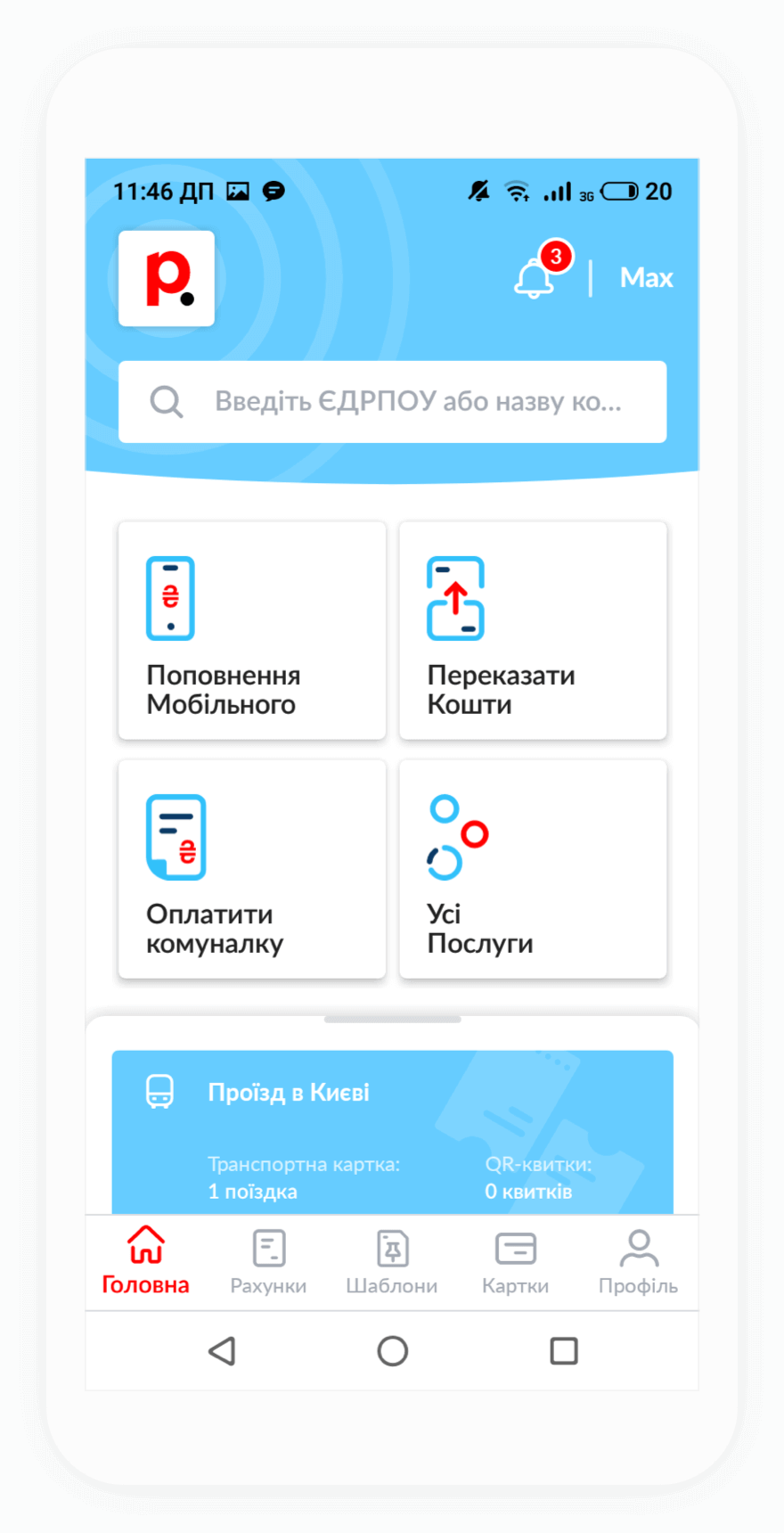
To top up your Vodafone account from your phone, install the Portmone mobile app. It is available for Android and iOS devices and allows you to top up your mobile account in just a few taps.
To check the required top-up amount:
You can also check your tariff plan cost in the My Vodafone mobile app.
When you top up your Vodafone account, you automatically pay for your mobile internet services.
If you accidentally topped up the wrong Vodafone number, you should:
Please note that refunds are only available if you made a mistake in one or two digits of the phone number. If the entered number is completely different, the refund request will be rejected.
For non-registered users, the commission fee for topping up a Vodafone mobile account is 2% of the payment amount, but not less than UAH 3. Authorized users can top up their own number without a commission fee if it is set as their financial number in the profile. All other Vodafone numbers are topped up with a 2% commission fee, with a minimum fee of UAH 2.
Users who activate the “Month” tariff plan can top up any Vodafone numbers without a commission fee.
Funds are usually credited to your Vodafone mobile account within 1–2 minutes after the payment is processed by the system.