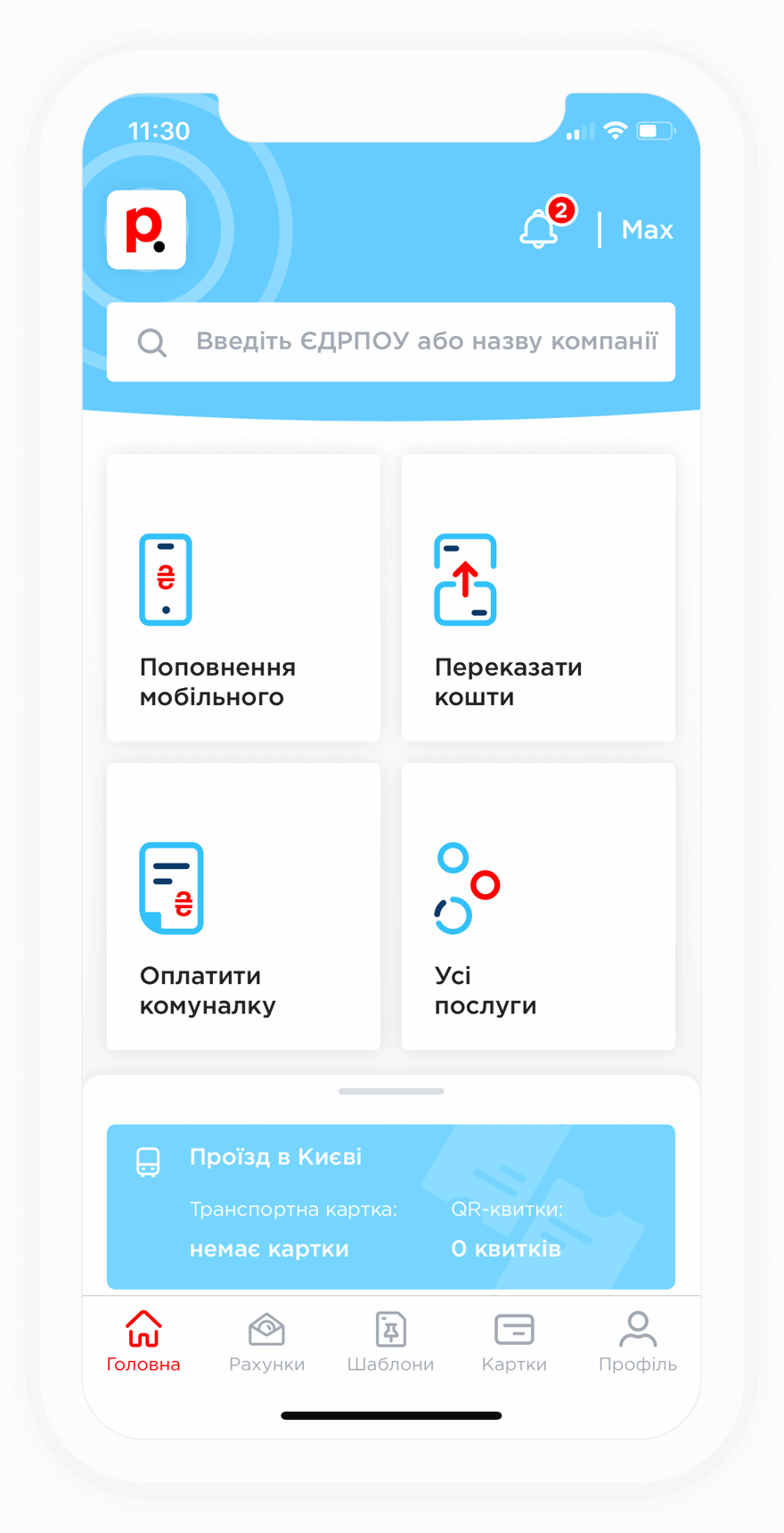
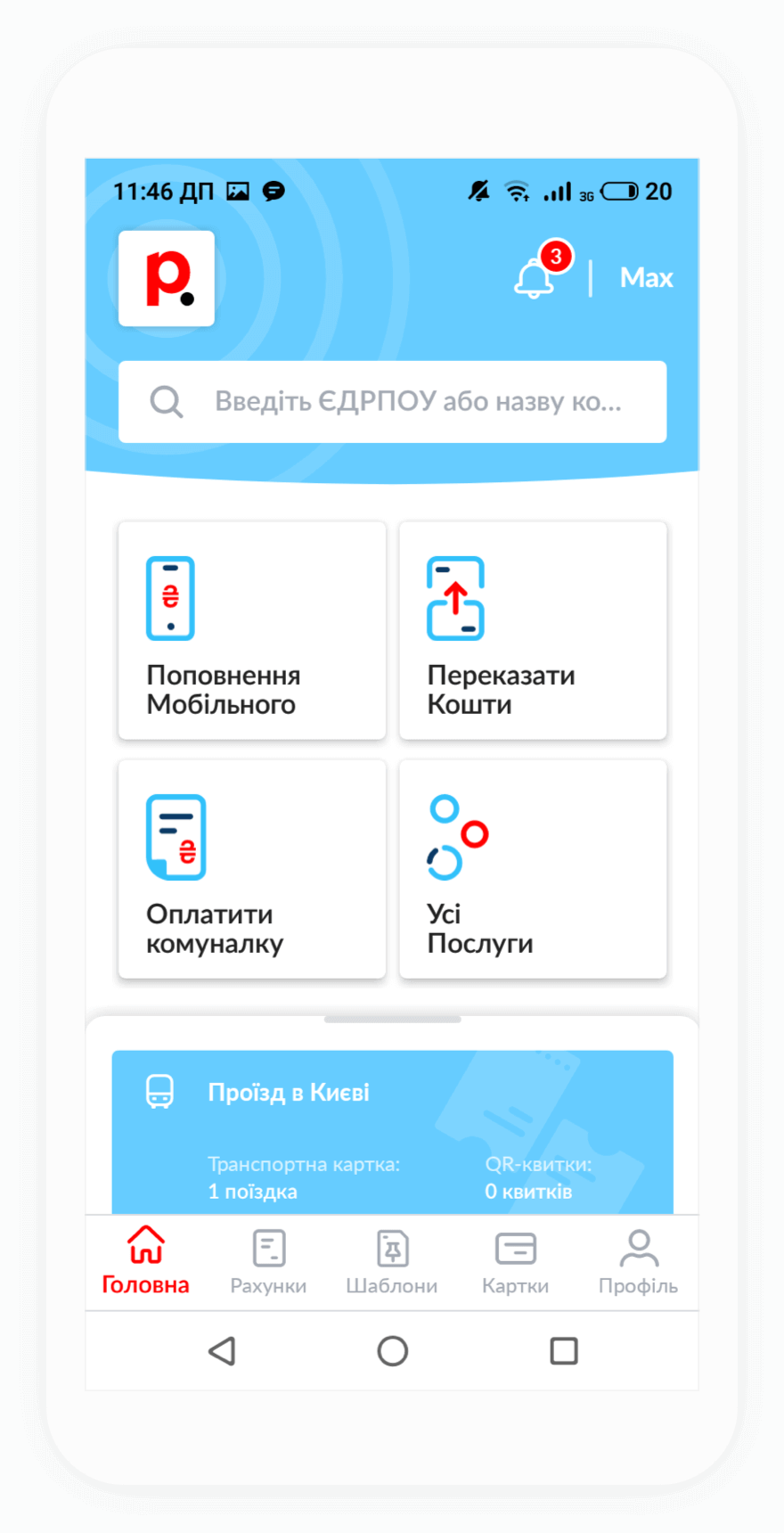
If your internet service has been suspended due to late payment, you can pay for Avator internet through Portmone at any time, 24/7. Access to the network is usually restored automatically within a few minutes after the payment is credited to the provider's account.
If your internet connection is not restored, please contact the provider's customer support team and provide your payment receipt. Their specialists will help restore your access as quickly as possible.
To top up your Avator account through Portmone, you will need your login credentials and a bank card with sufficient funds available.
When making an online payment, you will be asked to enter your card number, expiration date, and CVV/CVC security code.
When paying for Avator internet through Portmone, a service fee may apply. The applicable fee is displayed on the payment page.
To pay for the provider's services without a fee, you need to activate the "Month" subscription plan. Follow these steps:
After that, you will be able to pay not only for internet services without a fee, but also for utility bills, TV services, security services, mobile services, and transportation services.