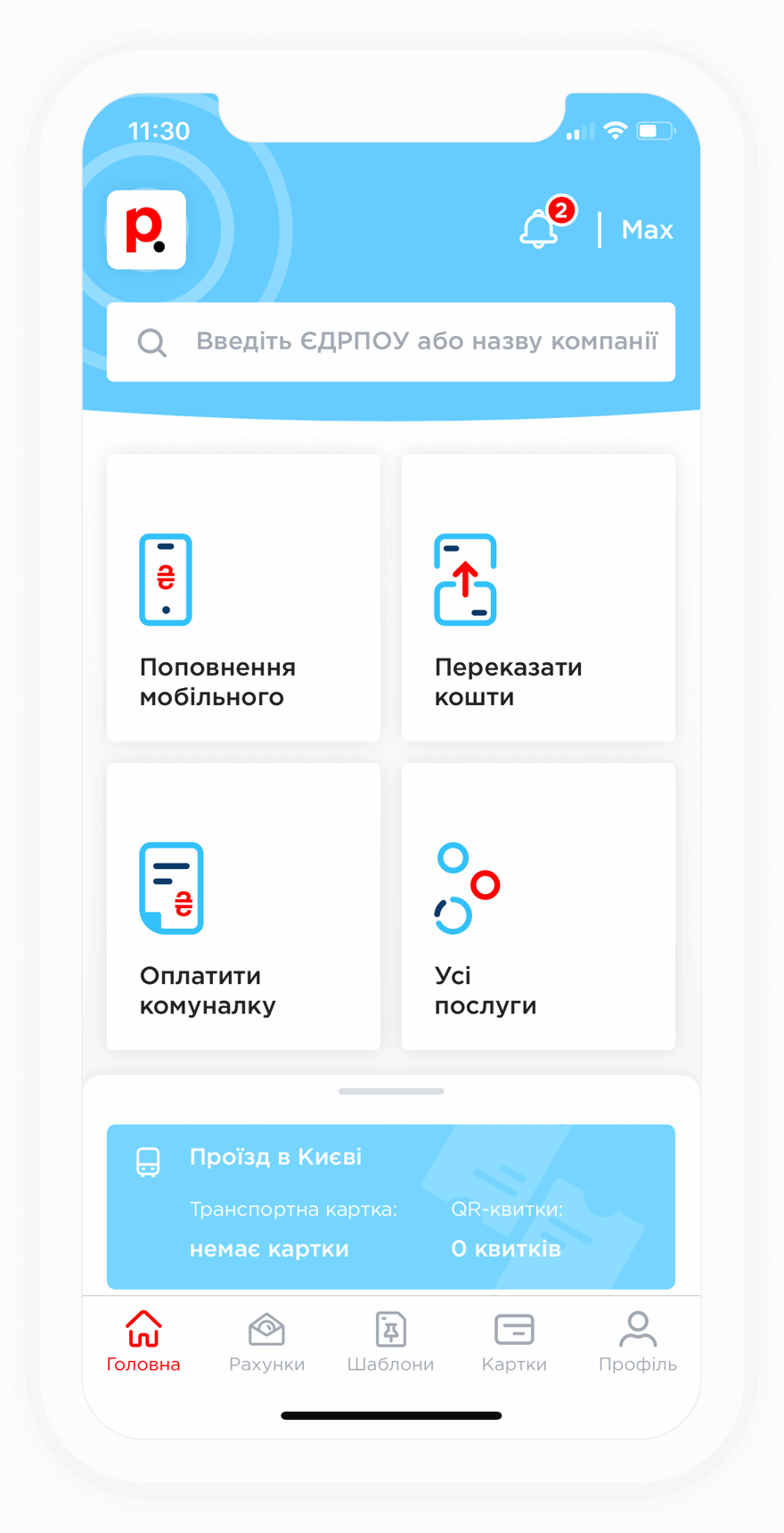
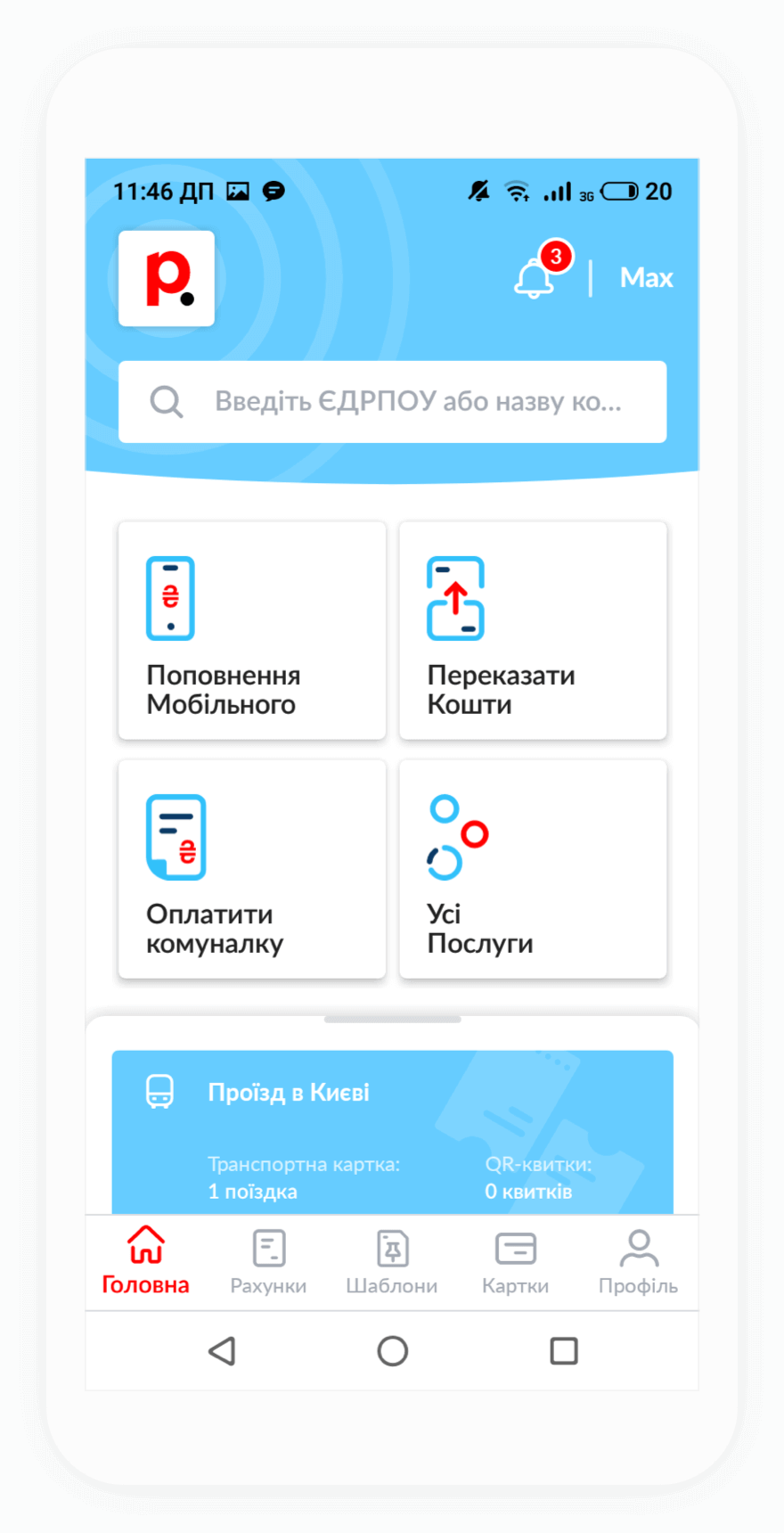
If you forgot to pay for your Merlin Telecom internet service on time and your access has been suspended, you can quickly make a payment through Portmone. Once the online payment has been completed and processed by the system, which usually takes only a few minutes, internet access is typically restored automatically.
If your access is not restored, please contact the provider's Customer Support team and provide your payment receipt. Their specialists will help restore your internet access as quickly as possible.
To top up your Merlin Telecom account, you need to enter your contract number. You can find it in the service agreement you received when the service was connected or by contacting the provider's hotline.
For added convenience, registered Portmone users can create a payment template and set up AutoPay. Once configured, the system will automatically charge your bank card on the specified date.
No, payments for Merlin Telecom services through Portmone are processed without a fee.
If you would like to save on fees when paying for other services, Portmone offers this option as well. To do so, follow these steps:
After activation, you will be able to save on fees when paying for internet services, utility bills, mobile services, TV services, transportation services, telephony, and security services.