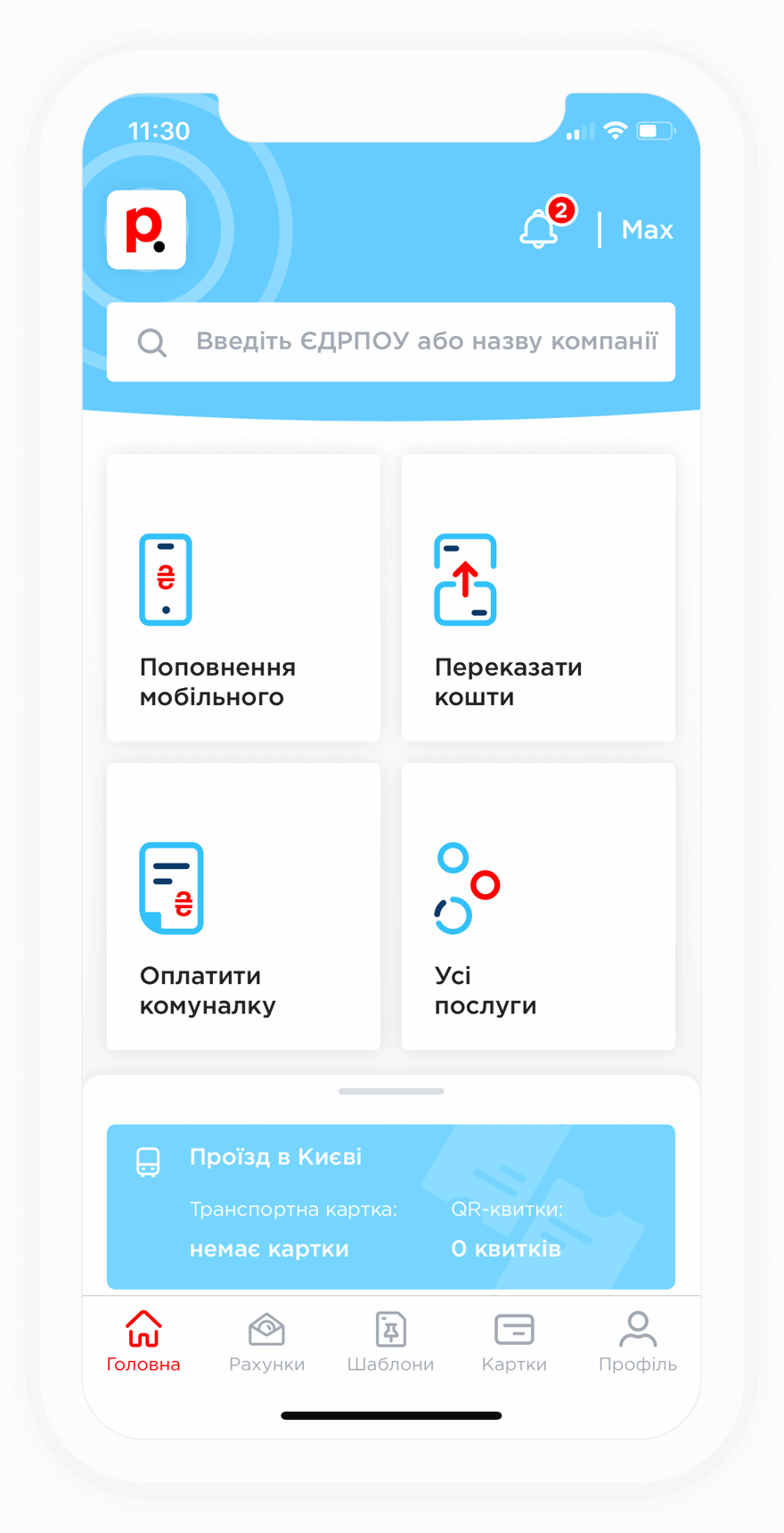
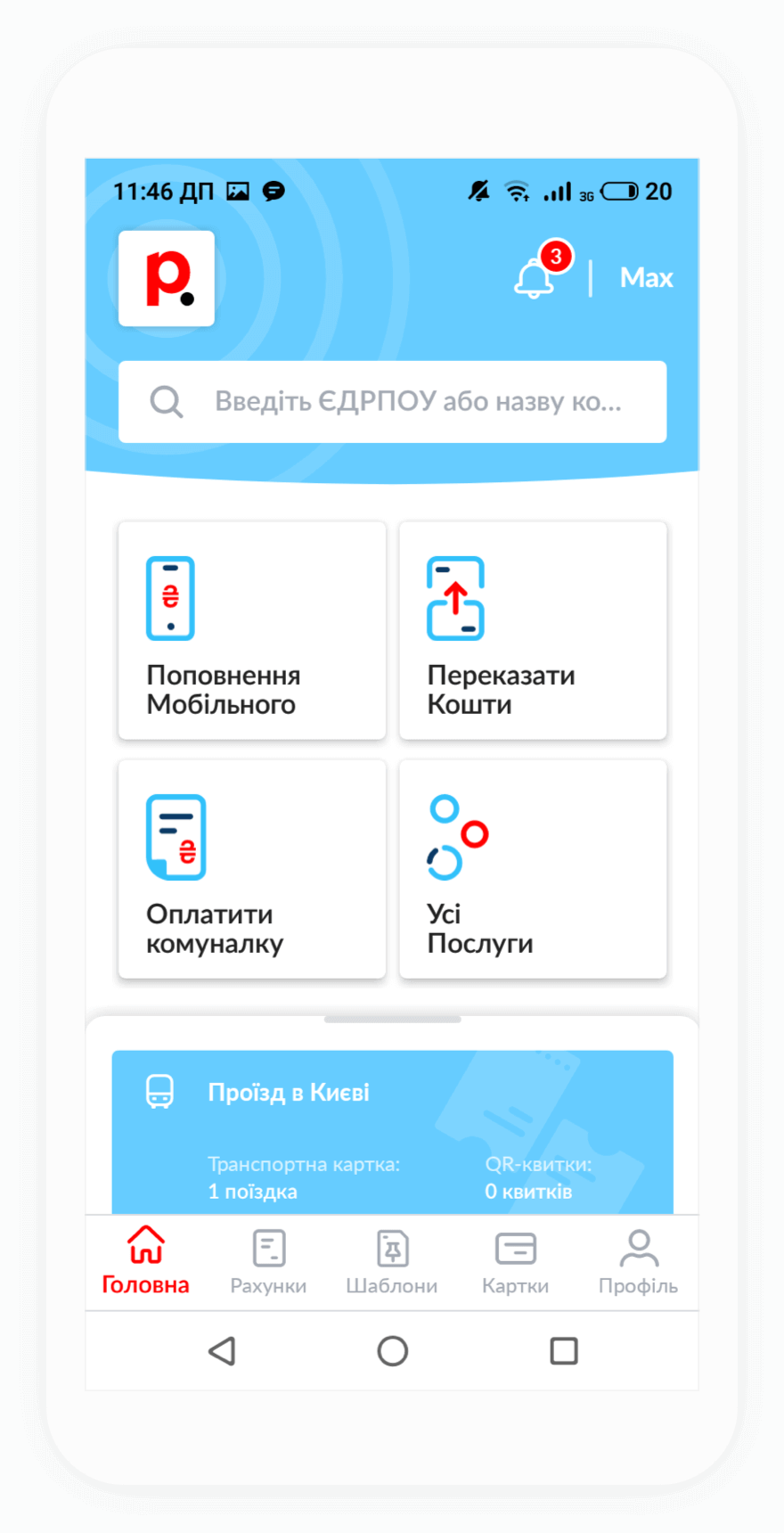
To top up your TIM Uman account, you need to enter your account number or login. You can find this information in your service agreement or by contacting Customer Support using the contact details provided on the official TIM website.
Payments can be made 24/7 using any bank card.
After paying for internet or cable TV services provided by TRK TIM through Portmone, funds are usually credited to the provider's account within 3 to 5 minutes. In some cases, the processing time may take up to 72 hours.
If the funds have not been credited to your account, please contact Portmone Customer Support. Our specialists will help locate the "missing" payment as quickly as possible.
Yes, registered Portmone users can pay for TRK TIM internet services without a fee. To do this, you need to activate the Month subscription plan:
After that, you will be able to save on fees when paying utility bills, internet services, security services, mobile services, transportation services, and TV services.