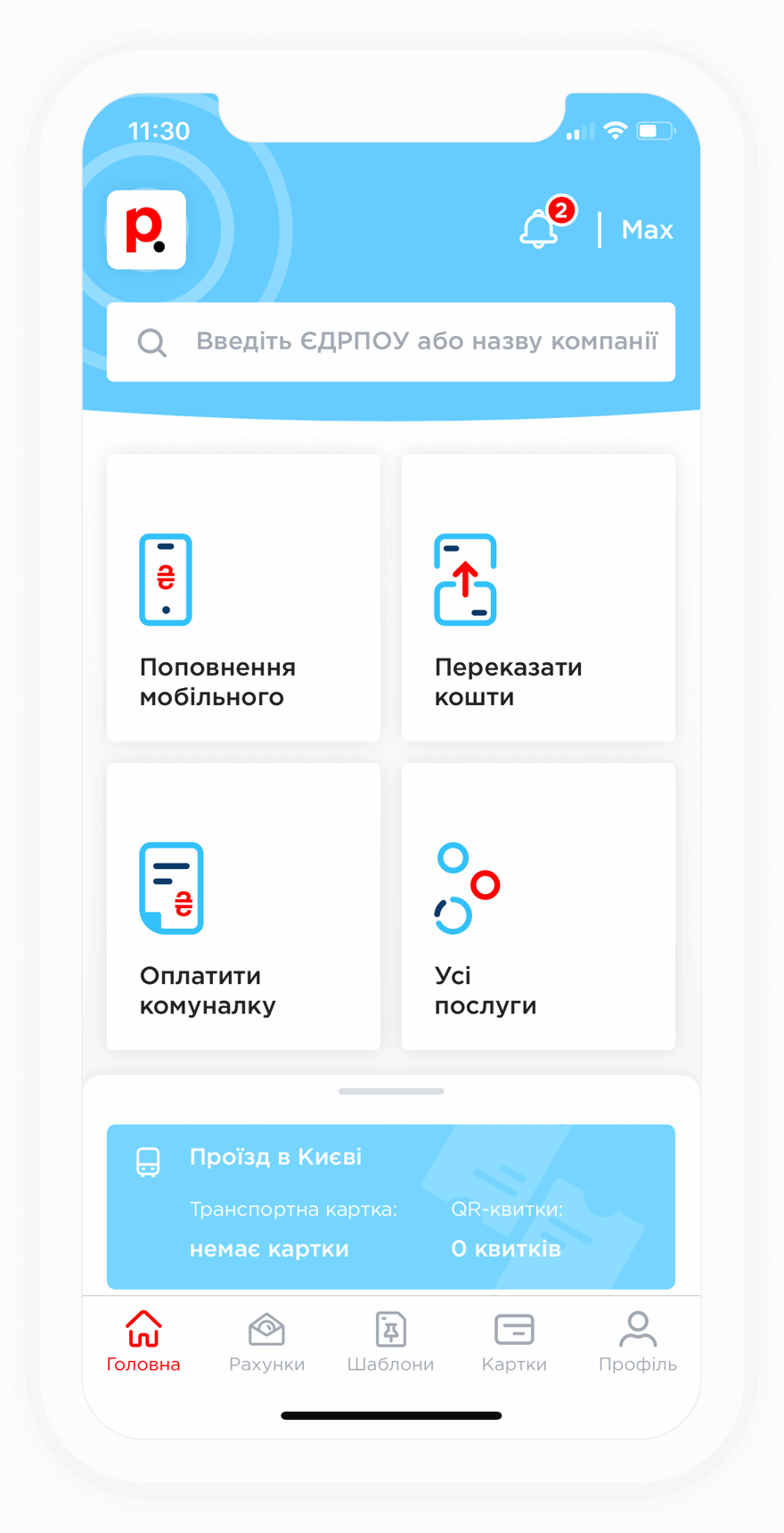
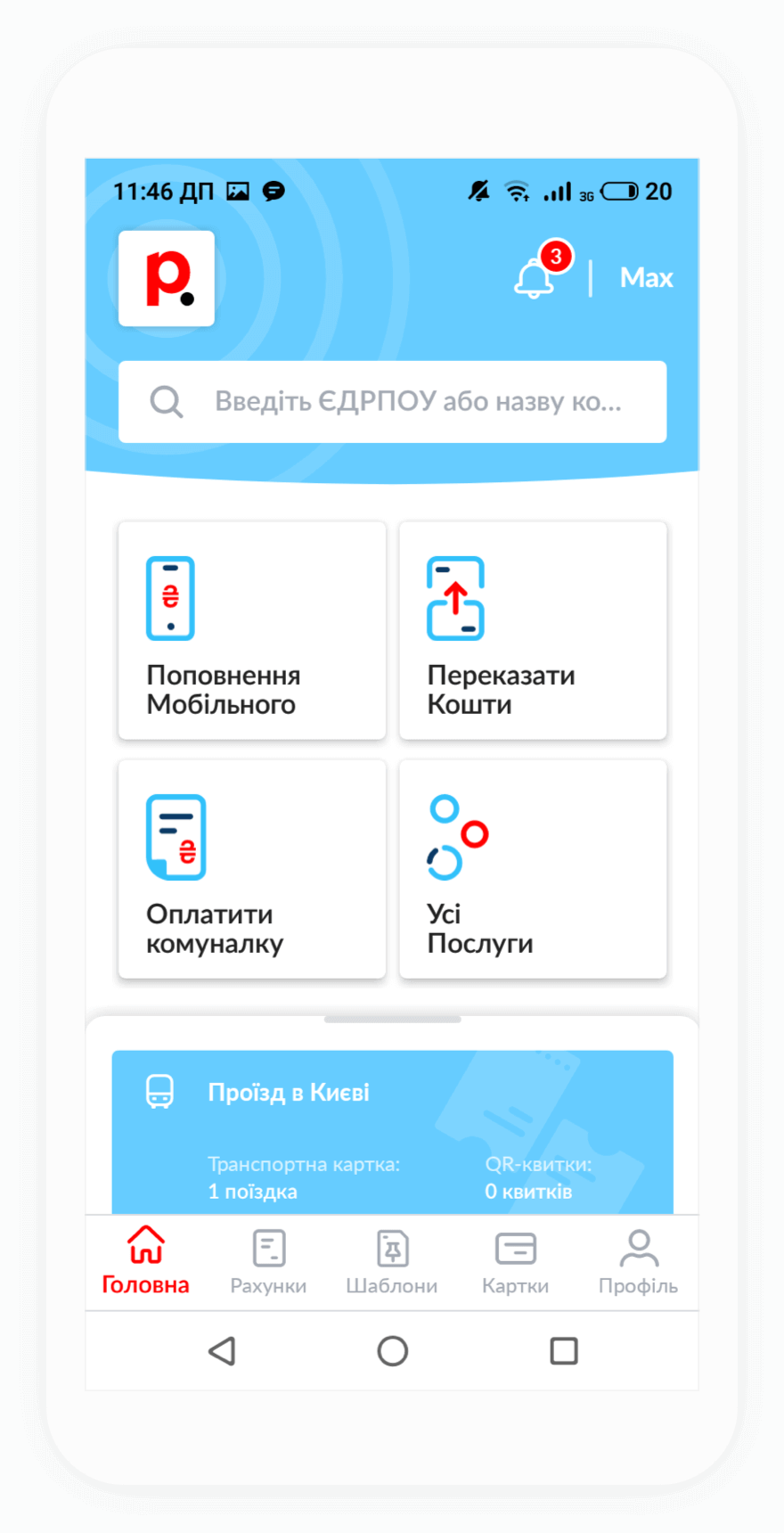
You can pay for Radionetwork internet services through both the Portmone website and mobile app. After the payment is completed, funds are usually credited to the provider's account within a few minutes. In some cases, processing may take up to 72 hours, depending on how quickly the issuing bank processes the transaction.
If the funds have not been credited, we recommend contacting Portmone Customer Support and providing your payment receipt as proof of payment. Our specialists will help locate the "missing" payment as quickly as possible.
To top up your Radionetwork account through Portmone, you need to know your login. If you have forgotten it, you can find it in your service agreement or obtain it by contacting Radionetwork Customer Support.
In addition to your login, you will need a bank card with sufficient funds available. Payments can be made using a card issued by any Ukrainian bank.
When paying for Radionetwork services through Portmone, a service fee may apply. The applicable fee is displayed on the payment page.
If you would like to save on fees, Portmone offers a convenient solution. Simply follow these steps:
After that, you will be able to pay not only for internet services without a fee, but also for utility bills, mobile services, TV services, security services, and transportation services without additional charges.